Make stickers from your images.
Import images from your photo library and turn people, objects, pets, outfits, snacks, and saved photos into reusable sticker cutouts.
 Sashimi Stickers
Turn your own images into stickers. Save sticker packs, send stickers in Messages, build mood boards and collages, then export PNGs, stories, wallpapers, and Home Screen widgets.
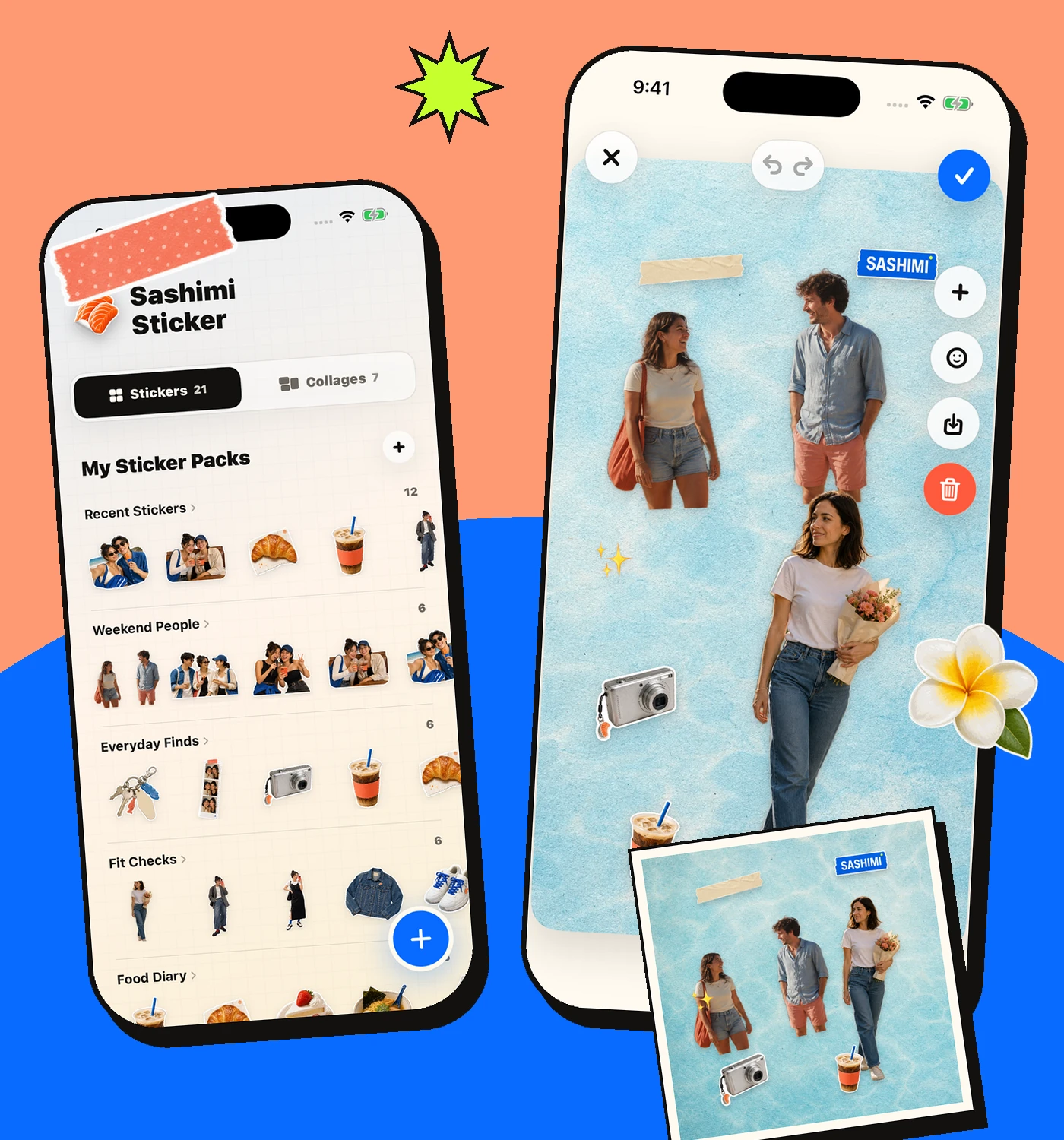
Import images from your photo library and turn people, objects, pets, outfits, snacks, and saved photos into reusable sticker cutouts.
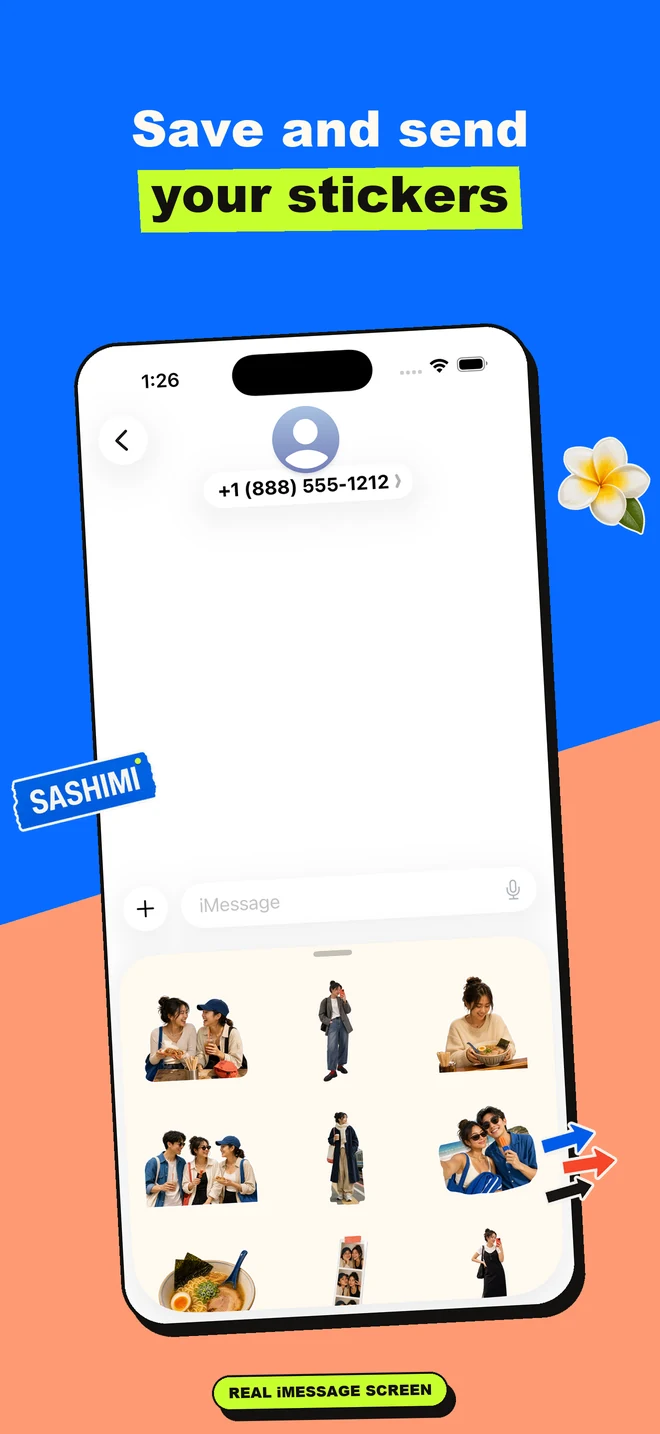
Keep stickers in packs, save PNG artwork to Photos, and use compatible saved stickers from the Messages extension.
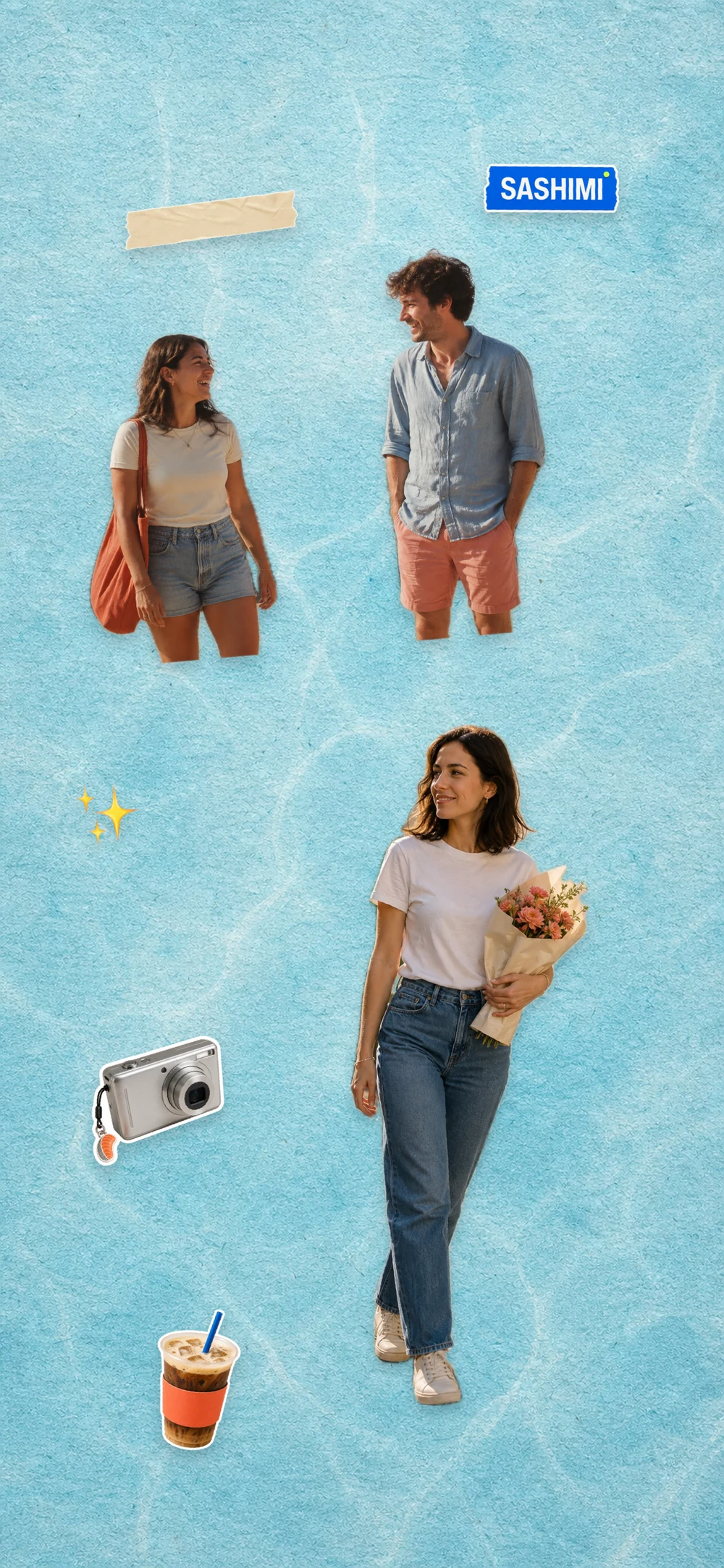
Layer your stickers with stock stickers, emoji, and Sashimi backgrounds to make collages you can save, post, use as wallpaper, or display as widgets.
Create rectangle boards, square collages, story-sized exports, and phone wallpaper layouts with matching stock backgrounds.
Show saved collage artwork in small square, large square, or medium rectangle widgets and choose which collage each widget displays.
Add Sashimi stock stickers, tape, labels, magazine letters, emoji, and app backgrounds when your own stickers need more pieces.
Start with a sticker. Make a mood board or collage. Save the finished artwork to Photos, use it as wallpaper, create a story-sized layout, or keep it on your Home Screen with Sashimi widgets.


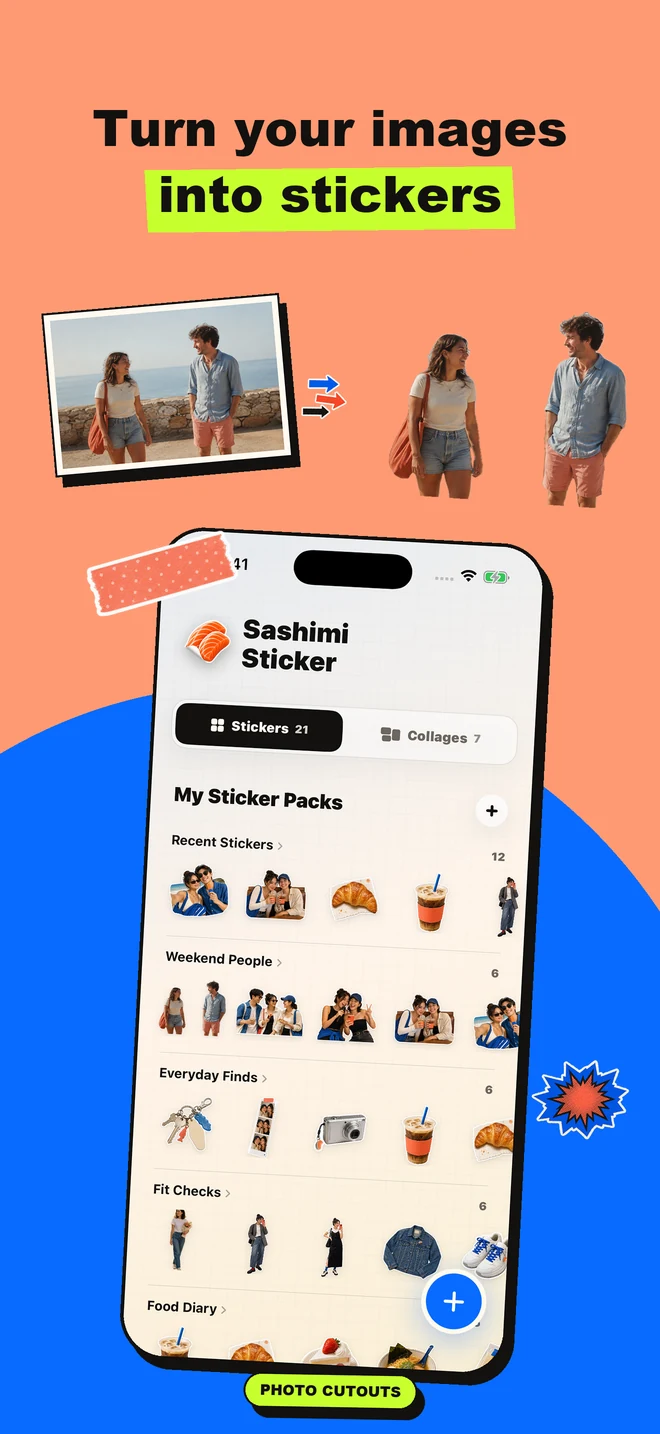
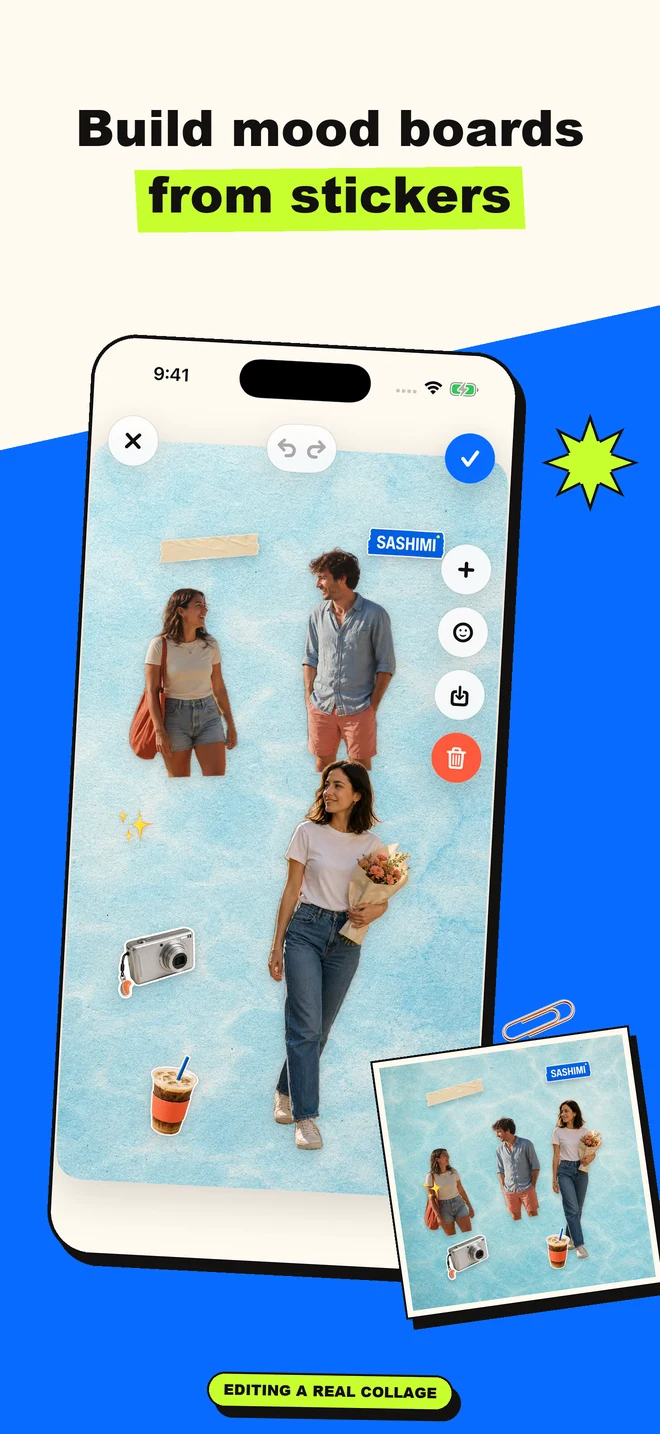
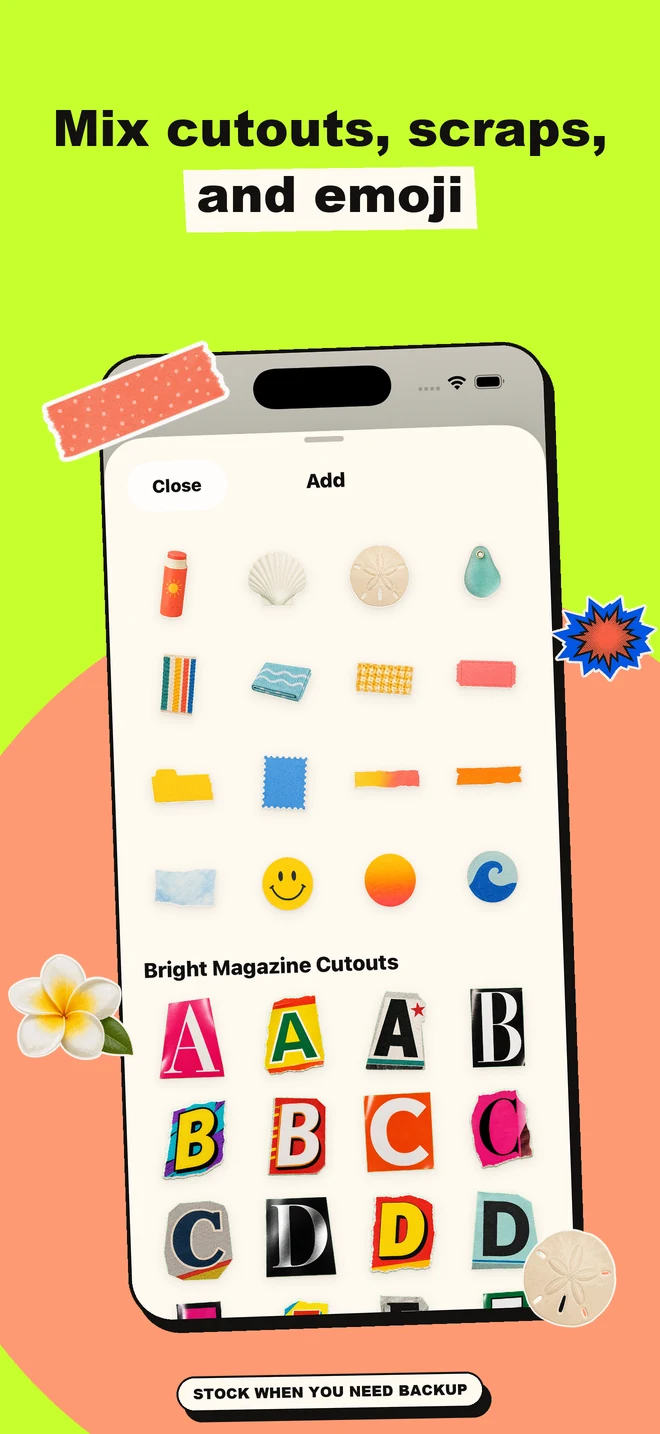
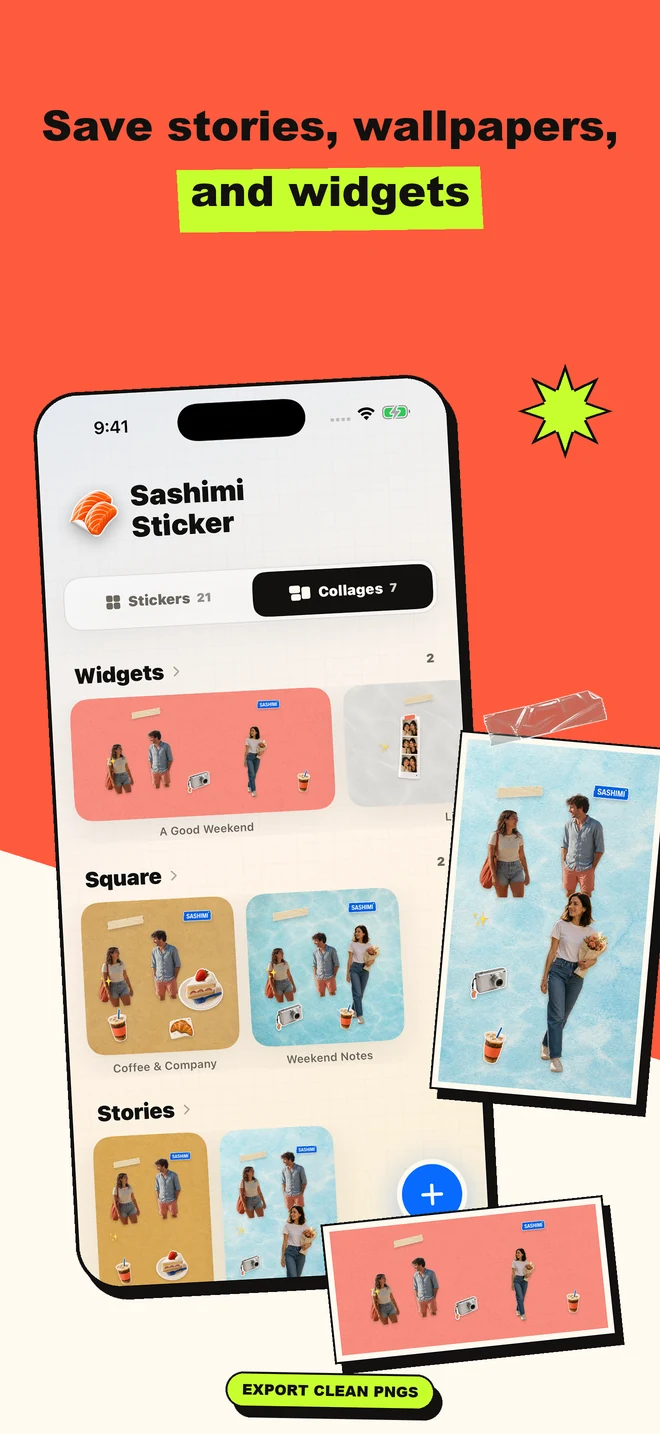
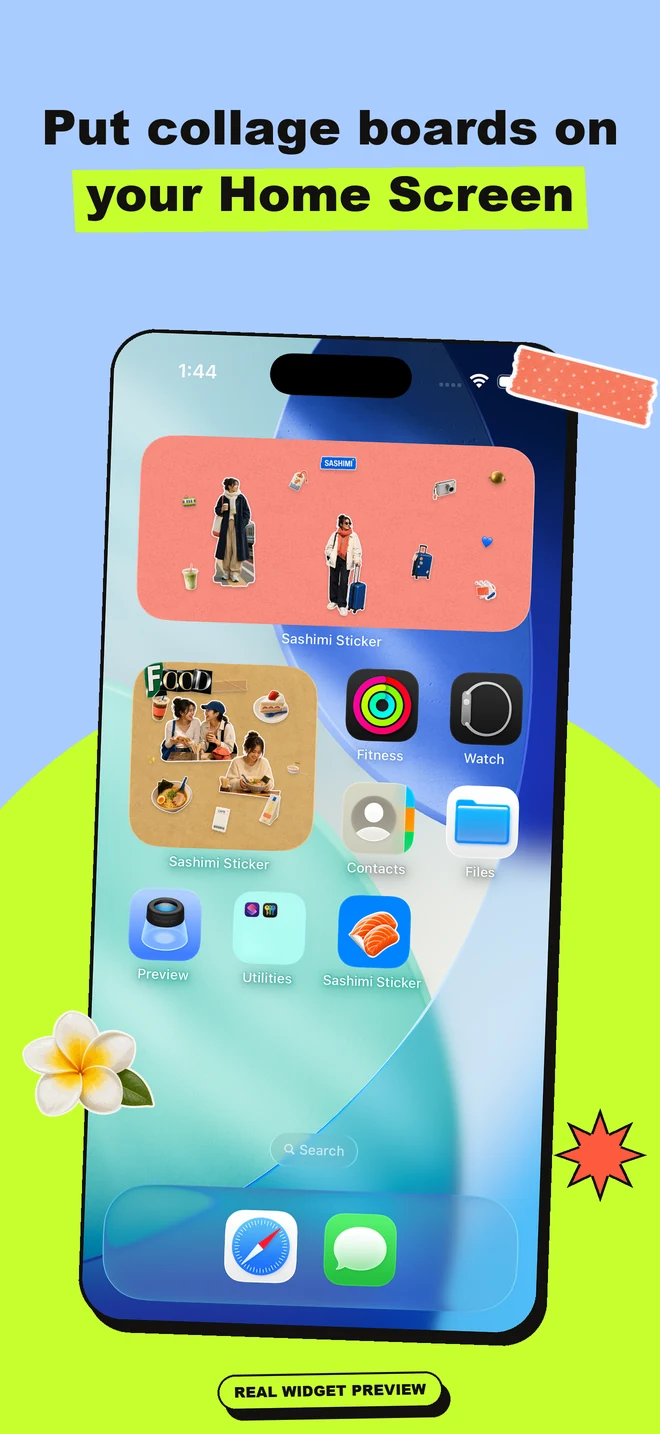
You can make photo stickers from your own images, save sticker PNGs, organize sticker packs, build mood boards and collages, and create exports for stories, wallpapers, and Home Screen widgets.
Yes. Sashimi includes stock sticker packs like Sashimi Sticker Supply, Tape & Attachment Kit, Bright Magazine Cutouts, and Summer Vibes, plus stock backgrounds for collage layouts.
Yes. Compatible saved stickers can appear in the Messages extension so you can send them from iMessage.
Yes. Sashimi includes collage widgets for saved square and rectangle collages, including small square, large square, and medium rectangle widget layouts.
Make a sticker. Build a mood board or collage. Save it as a PNG, story, wallpaper, or widget.